Melody Eraser — iPhone
Explore how your
favorite songs are made.
An iPhone app that erases the melody so you can hear just the backing track — or make a minus-one track. Free to try.
 Download on the App StoreLanguages: Japanese, English, Spanish (Latin America), Korean, Portuguese (Brazil), Traditional Chinese, Arabic
Not just vocals.
Violin, saxophone — an instrumental lead gets erased too. Listen to what’s been going on behind the melody all along.

Load a song, then move the slider.
Import a music file you already have and set how much of the melody to fade, from 0 to 100%, while it plays. There’s nothing else to set up. You can also open songs straight from the Files app, or send them over from the share sheet in another app.

The stereo stays.
Unlike old-school left-minus-right vocal removers, the width of the mix survives. Your backing track never collapses to mono.
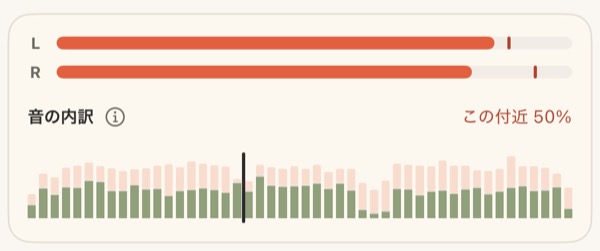
Hear only what you removed.
Switch to Melody Solo and you hear only the melody you faded out. Handy for learning parts and transcribing by ear.

Save it as a file.
Export the result as M4A, ALAC, or WAV. For practicing your instrument, or for singing along.

Nothing leaves your phone.
Everything runs on your iPhone. Your music is never sent anywhere.
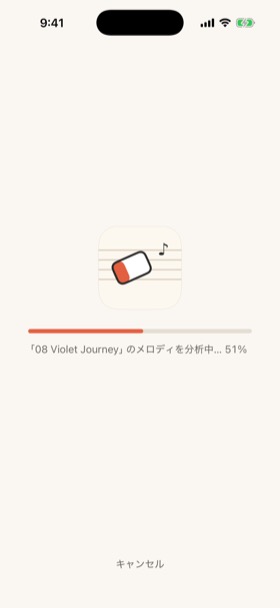
Start with the free demo track.
Or bring your own song — it works right away.
Download on the App Store