Kanade MIDI Player — Mac
See it. Hear it.
The definitive MIDI player for the Mac.
 Download on the Mac App StoreLanguages: Japanese, English
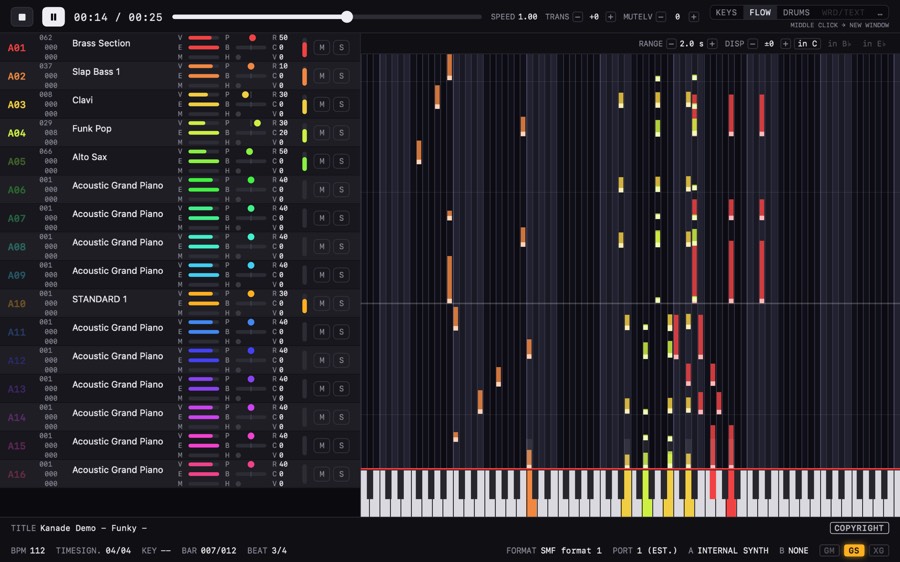
See the notes.
Notes stream down toward the keyboard, so you can tell what every part is playing before you hear it.
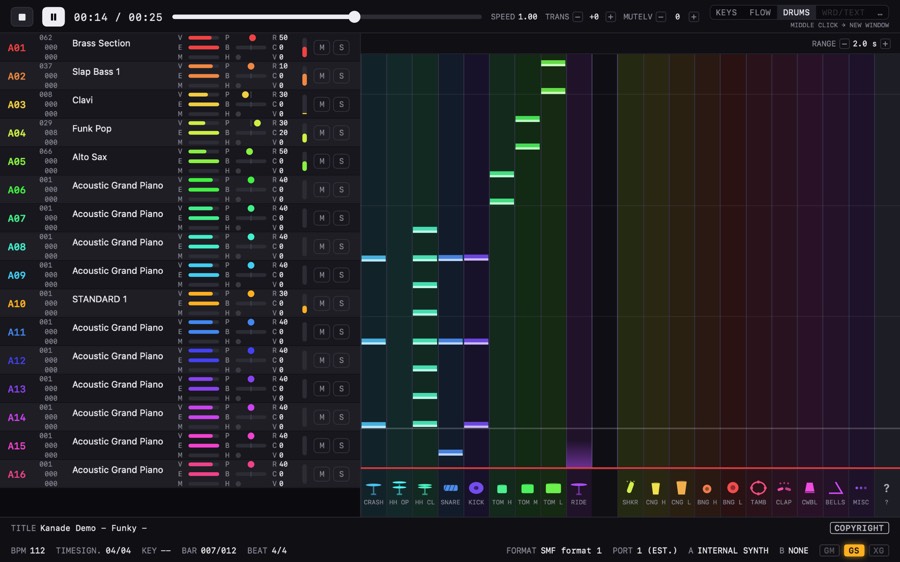
See the drums, too.
Kick, snare, hi-hat, and toms each get their own lane, so the pattern reads straight off the screen.
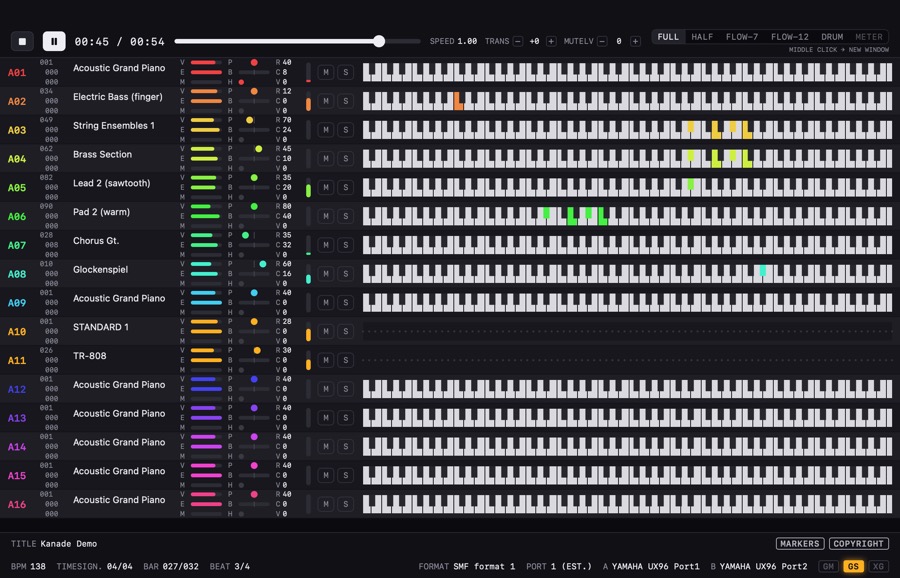
All 16 parts at once.
The KEYS view stacks an 88-key keyboard for every part, so you can take in the whole arrangement at a glance.
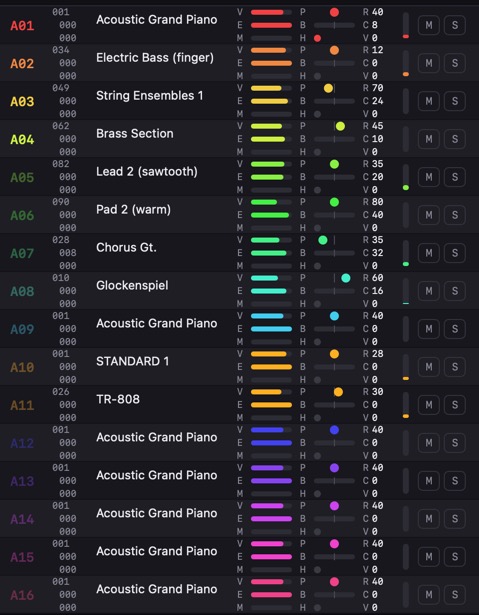
GS and XG, played properly.
Open a file written for GS or XG, and any tone the synth doesn’t have is swapped for the closest one it does. No parts drop out.
See inside the song.
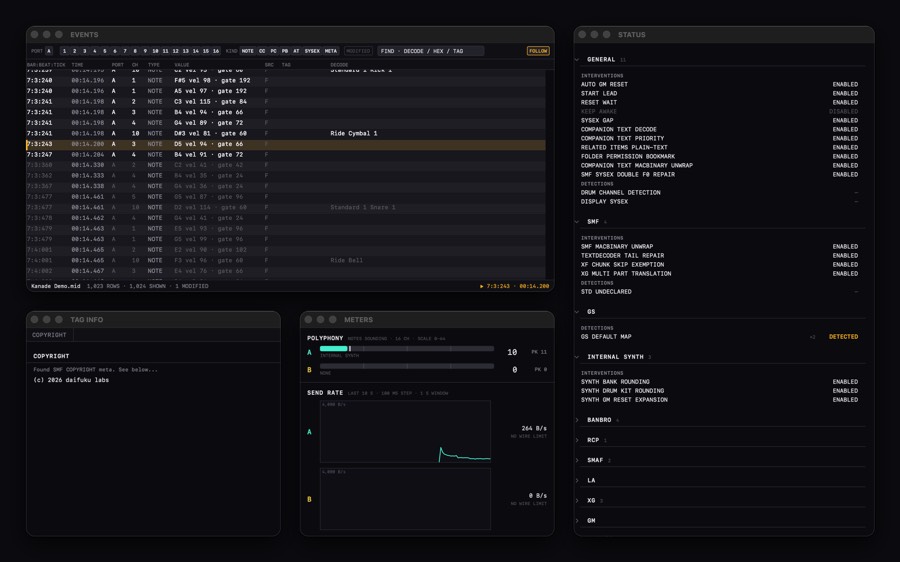
EVENTS lists the song’s events in order, and STATUS shows the compatibility adjustments the app is making. TAG INFO and the other windows open right beside the main one.
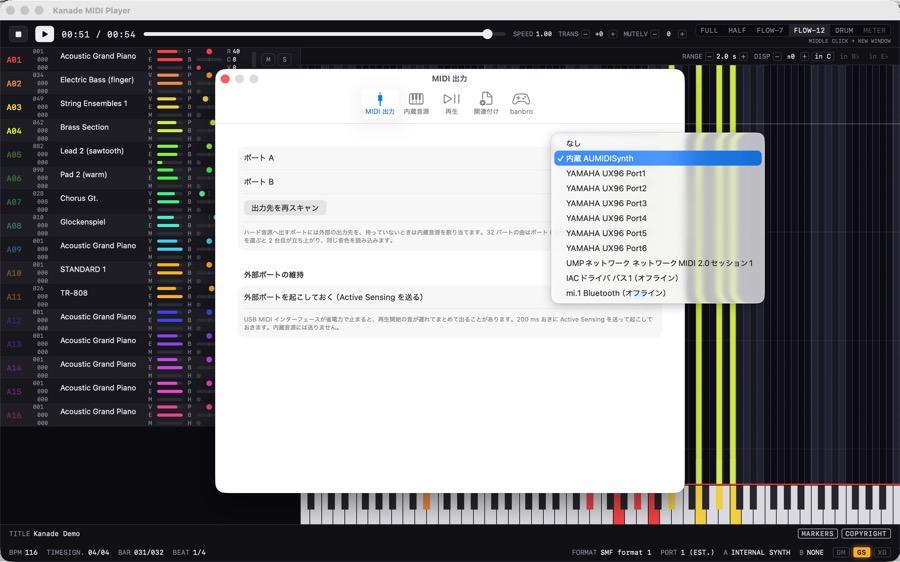
Built-in synth or external synth — your call.
Play through the Mac’s standard tones or a SoundFont of your own, and any MIDI hardware you’ve connected — over USB, Bluetooth, or the network — works just as well.
Decades of collected files, playing again.
- SMF.mid / .midi / .rmi / .kar
- RCP.rcp / .r36 / .g36 / .g18 (Recomposer)
- XGworks / Cherry.xws / .chy
- banbro.bbs / .bdx / .bbp
- SMAF.mmf (ringtones)
- WRD.wrd / .sry (lyrics & effects)
Old MIDI, today’s Mac.
Just open the files you already have.
Download on the Mac App Store